Snap Studio Pro
Turn 3D prefabs into clean 2D sprites without leaving Unity
- Available
- Tool
- Unity 6+ · Editor-only · Built-in, URP, HDRP
- $50 — every future feature included
- C# · Unity 6 · URP / HDRP · Async batch export
An Editor-only production tool that takes real 3D Unity content and turns it into polished 2D assets, consistently and at volume.
A runtime framework. It injects no gameplay systems, ships nothing into your build, and has no opinion about how your game works.
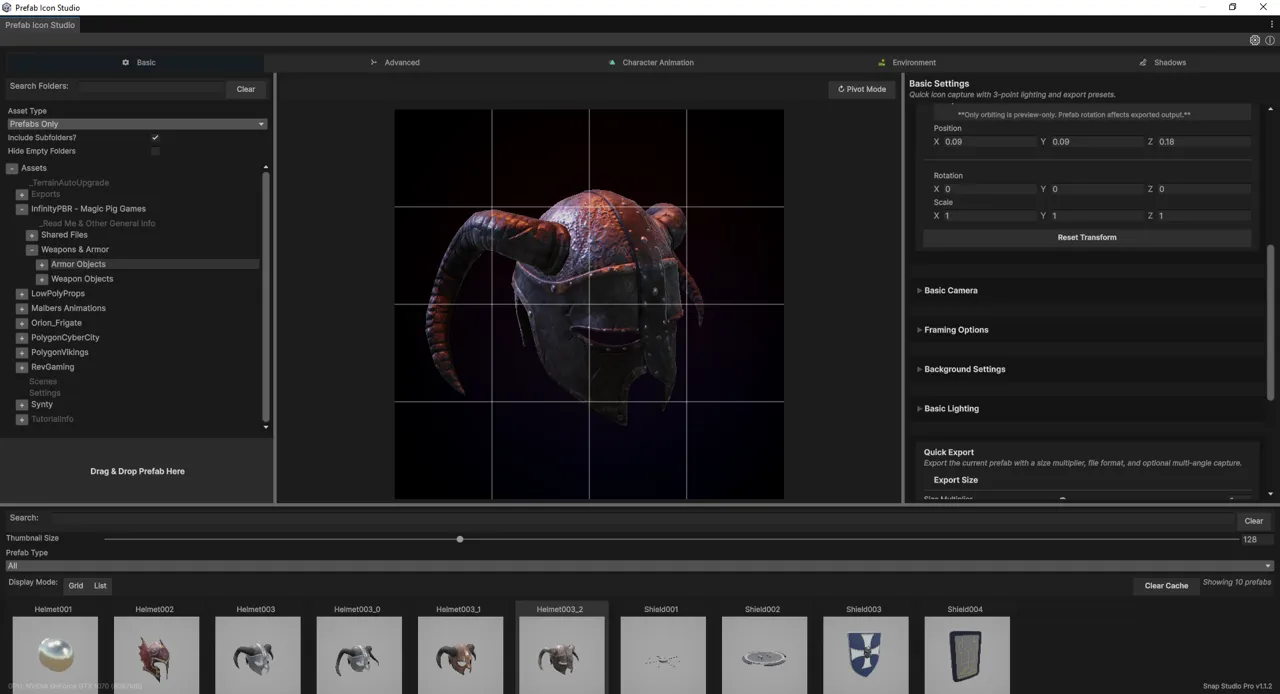
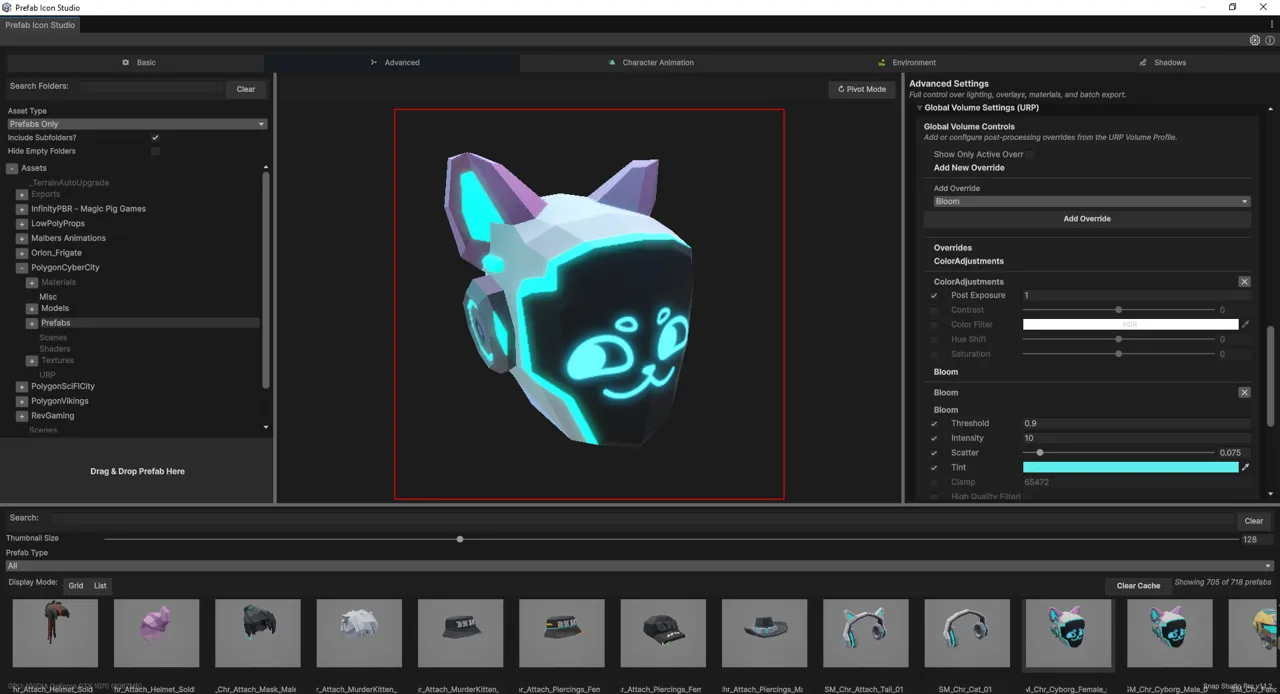
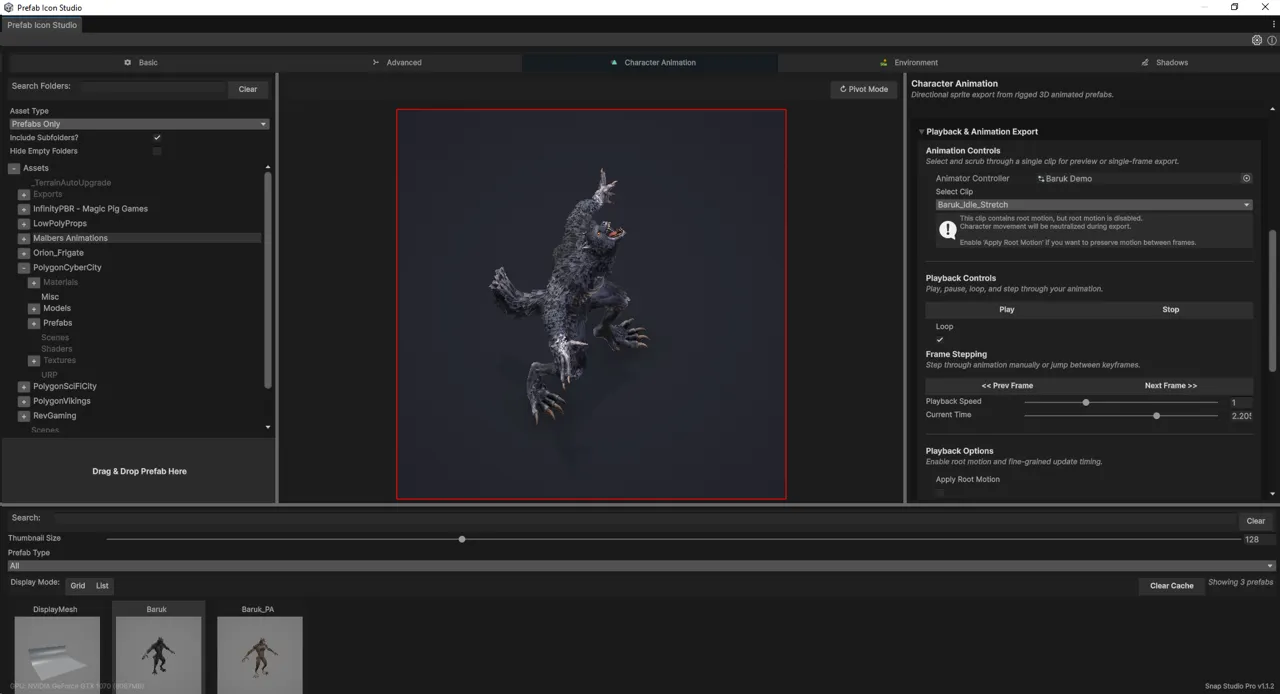
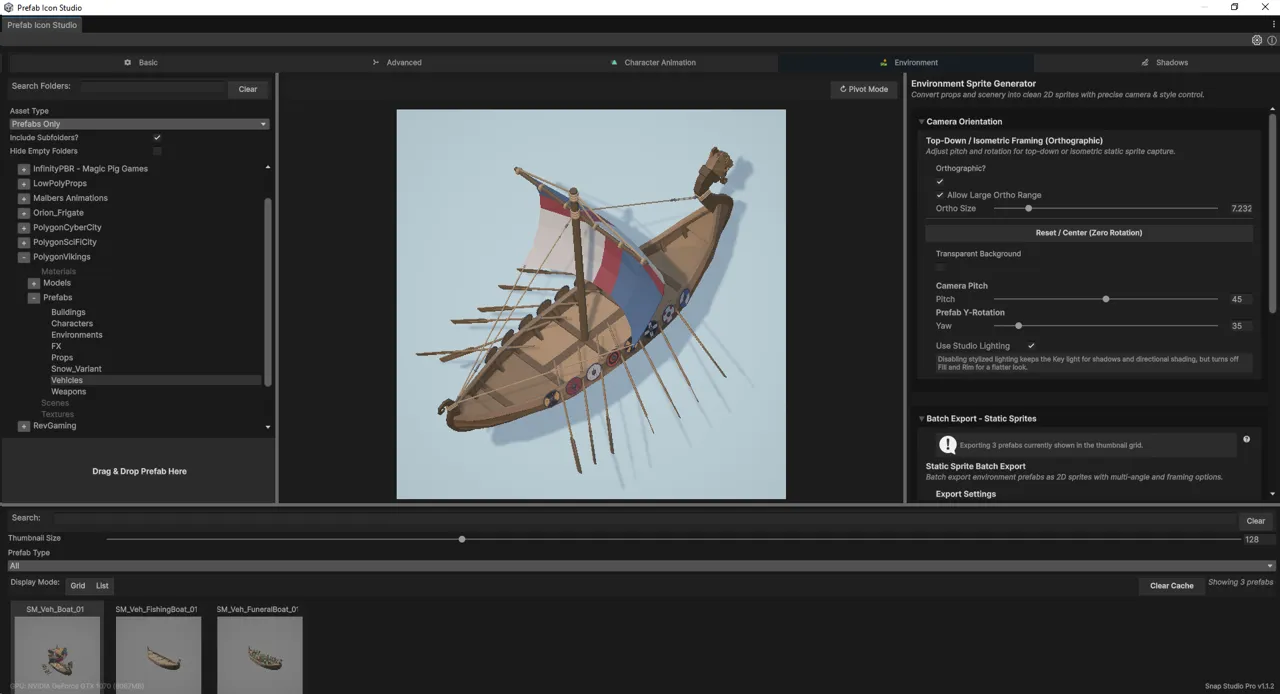
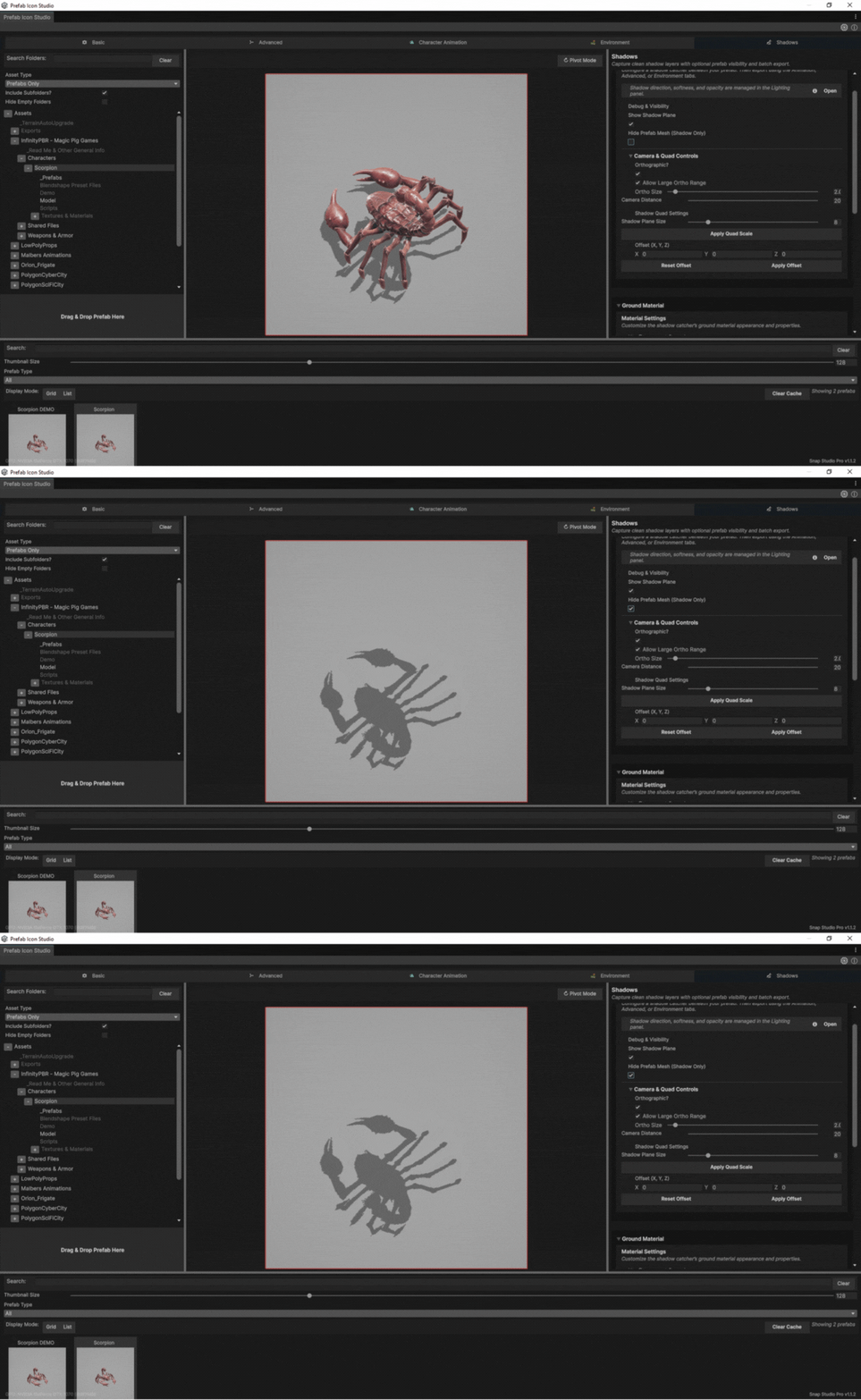
Snap Studio Pro — the window
Why it exists
Turning 3D assets into 2D sprites in Unity used to mean assembling a pipeline out of parts: a scene set up by hand, cameras that drift between captures, pivots that come out wrong, a lighting rig rebuilt from memory every time, a separate tool for shadows, a custom script for animation frames, and a round trip through Photoshop to clean up what the others got wrong.
No single tool covered the whole job. Most covered a piece of it well enough that you bought three and hoped the seams held.
Snap Studio Pro is the whole pipeline in one window.
What it captures
Single sprites and icons from any prefab, with bounds-aware automatic framing so a sword and a cathedral come out at consistent relative size.
Animation — scrub a timeline, step frames, capture a single pose or an entire clip, and export spritesheets, PNG sequences or GIFs with pivots that stay put between frames.
Directional sets at 4, 8 or 16 angles, straight from an animator controller — the shape top-down, isometric and strategy games need, and the single most tedious thing to do by hand.
Environments and tiles with orthographic cameras and adjustable pitch/yaw, framed so the results tile.
Shadows on their own, transparent, with or without the prefab visible — for composited lighting and stylised 2D.
Control over how it looks
Three-point lighting with presets and per-capture overrides. Colour grading, bloom, tonemapping and exposure. Backgrounds as gradients, transparency, checkerboards or overlays.
Materials and child objects can be overridden per capture — toggle a weapon, a hat, an attachment or an emissive effect for one shot — without touching the actual asset. The prefab you are capturing is left exactly as it was.
At volume
Batch export runs asynchronously and keeps the Editor responsive, across entire prefab collections or whole animation controllers. Framing, lighting and export settings save as presets, so a library captured today matches one captured in six months.
There is a prefab browser with filtering, categories, custom metadata and thumbnails, and a headless API for driving captures from your own tooling.
The Snap Promise
The price is $50. Every future feature, improvement and expansion is included at no additional cost. No paid add-ons, no Pro tier above the Pro tier, no subscription, no fragmenting the tool into packs.
The only reason the price would ever move is inflation.
That is a commitment rather than a pitch, and it is the sort that is easy to check: if a paid add-on ever appears, this paragraph was a lie.